
Lake Agnes at sunrise,
why we came
A thought. A story. A cut.
From a thought
to the finished cut.
Keep an idea or start with your footage. Shape the story on one Page. Send the assembly to your editor, then bring what you learn back to the next one.
Mac and iPhone. Your footage stays on your drives.
One thought, all the way throughSAMPLE / LAKE AGNES
01 / Idea
02 / Page
HOOK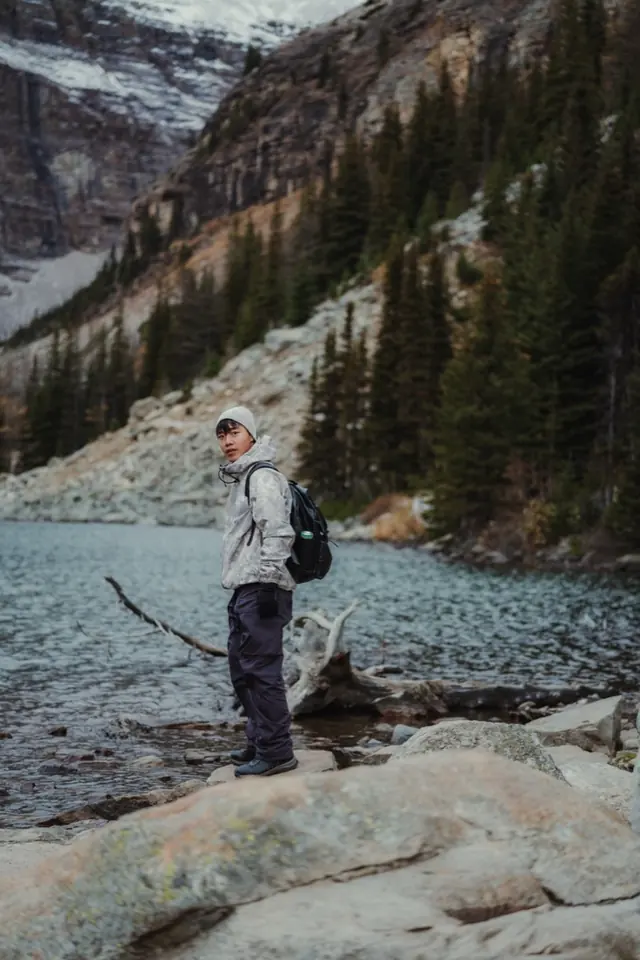 Lines with clips 4 of 5
Lake Agnes at sunrise,
why we came
Lines with clips 4 of 501The alarm before the world wakes
02The climb. And the quiet.
03This is why we came.
03 / Footage
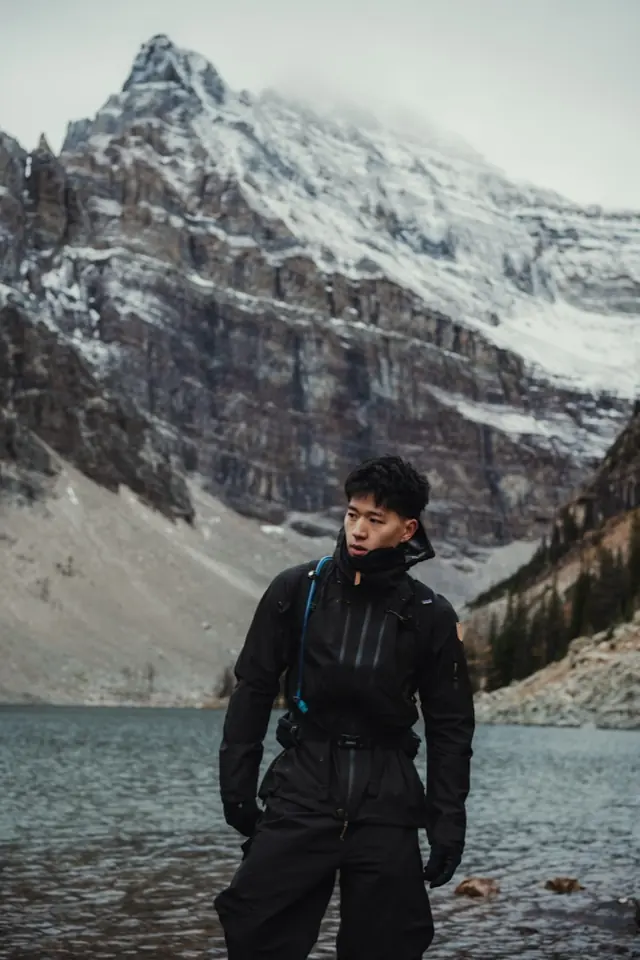
Said
“Lake Agnes”
00:02:04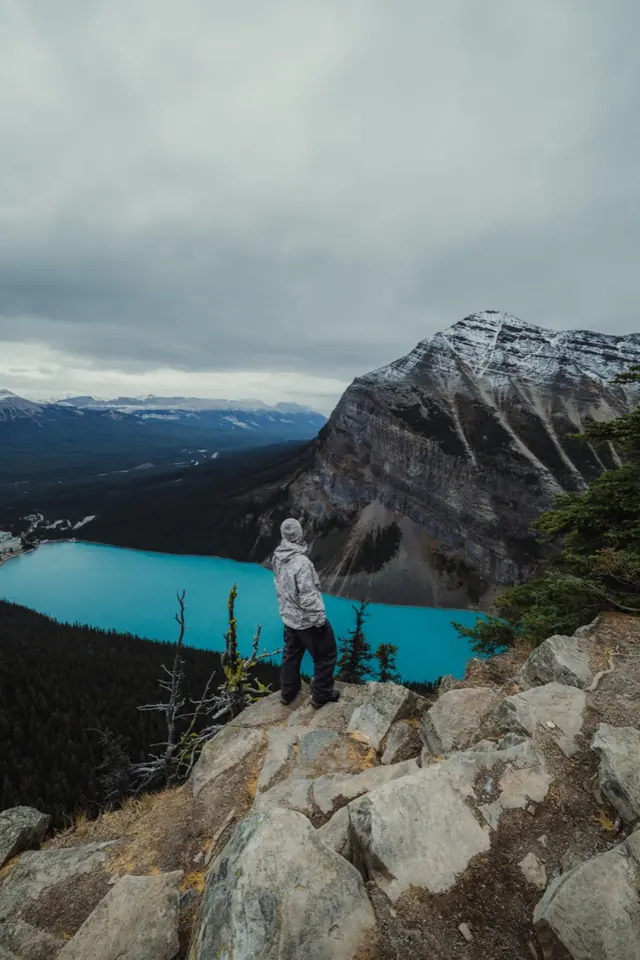
Shown
First light, still water
SoundsWater & wind
The words and the footage find each other.
KEEP → PAGE → SEND → POSTED → YOUR NEXT IDEAMADE TO CONNECT
Before the story comes together
Your best video
is scattered.
Ideas in Notes. A script in Docs. 400 clips named C0206.MP4. Hours spent scrubbing for the moment you remember.
Keep the thread from the first thought to the finished cut.
Lake Agnes at sunrise.
Why we came.
Hook: Start with the quiet.
▱C0206.MP4▱C0207.MP4▱C0208.MP4▱C0211.MP4
Where was that moment?
arranger / A morning worth the alarmONE CONNECTED PROJECT
Follow the thread
Keep → Page → Send → Posted
01 / KEEP Keep the thought before it goes.
02 / PAGE An idea or your clips, shaped for Short or YouTube.
03 / SEND Hand the assembly to your editor.
04 / POSTED Drop the link. Learn on your own lines.
Keep
Keep the thought before it’s a plan.
Catch the hook on Mac. Say it on iPhone, or use the Action button, widget or share sheet. See what Arranger understood while the thought is still fresh.
⌥Space · KeepVoice KeepUnderstood, right away
Instead of scattered notes and voice memos
Explore in Studio →KeepSAMPLE
MAC / ⌥SPACE
“Short about lying to myself about studying, then cut to the lake.”
Kept in your Pool ✓
Semester series
⌥Space · Keep only / ⌘K · keep, ask, open
Today / what needs you
Start with what’s ready.
Your makeable ideas come first. Then the line to record, the shot to film, the drive to reconnect. Today keeps the next useful step in view.
Ready ideas firstOne nudge a dayToday · Pool · Projects
Instead of wondering what to make next
Explore in Studio →Today / what needs youSAMPLE
TodayPoolProjects
READY TO MAKE
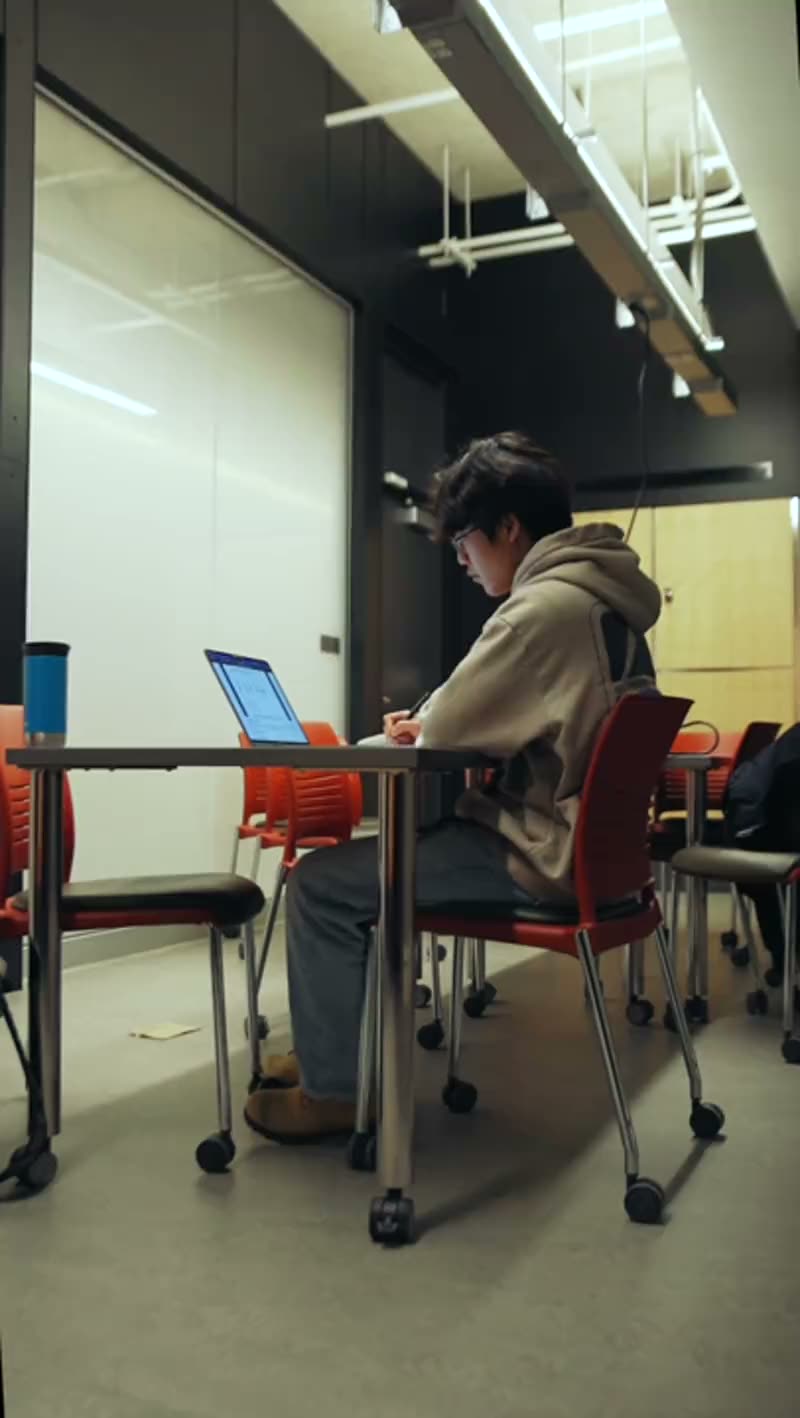
Pretending to study
Hook, story, footage and format in place.
Every semester, same lieRecord the opening line
A morning worth the alarmReconnect T7 before Send
At most one nudge a day. Ready ideas come first.
Two doors, one Page
Start with an idea.
Or the clips you have.
Develop three story shapes from an idea.
Or screen a shoot with K, X, M and Space.
Both lead to the same Page.
01 / THE IDEA DOOR
Pool / IdeasSAMPLE
READY TO MAKE
Pretending to study
Hook ✓Story ✓Footage ✓Format · Short
DEVELOP / THREE STORY SHAPES
- sayI said I’d study.
- haveThen the lake.
- filmSee you next exam.
WAITING ON FOOTAGE
The library at midnight
Hook ✓ · Story ✓ · Footage: film desk · Format: YouTubeIdea on footage → Build this idea from that footage
02 / THE FOOTAGE DOOR
Pool / To screenSAMPLE
Clips stay on your drives. Grouped by day and place.
Made for
One idea. Two shapes.
Toggle the Page. A Short counts seconds and shows what you say and show per beat. YouTube gets chapters, a read-through runtime, and title and thumbnail versions. Talking head is a choice, never a missing shot.
Short · 9:16YouTube · chaptersVersions A/B
Instead of forcing every story into the same format
Explore in Studio →Page / Pretending to studySAMPLE
MADE FOR
HOOK A/B
0:00–0:02 / HOOKSaid I said I’d study.
Shown I SAID I’D STUDY
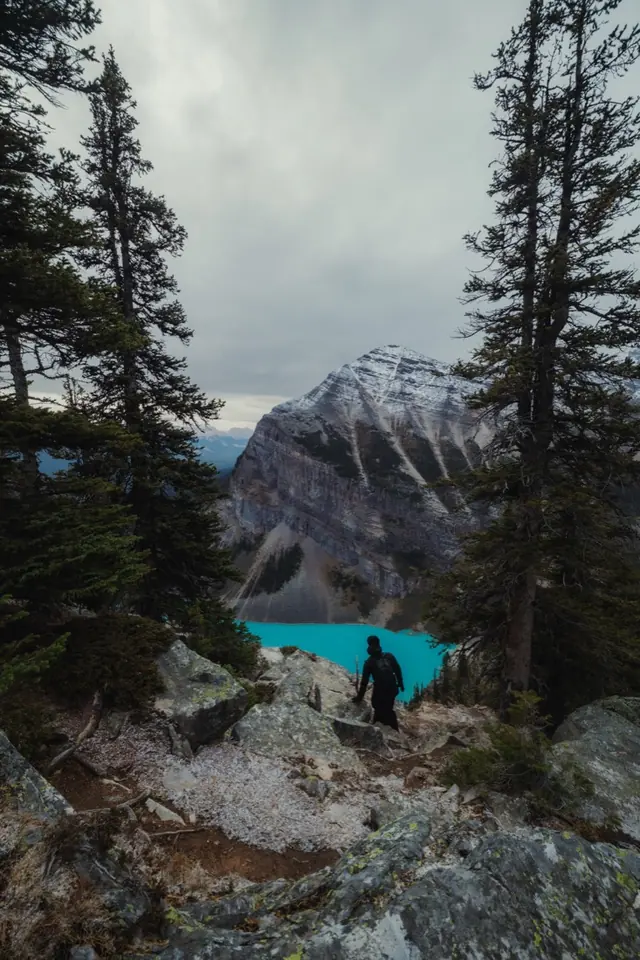 0:02–0:05
Said Then the forecast.
Shown Phone flips over · notification
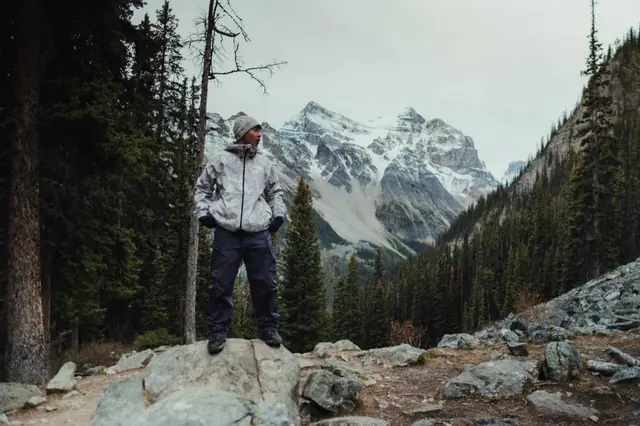 0:05–0:11
Said Trail at 5 am. Then the gate.
Shown then the gate
0:11–0:20Said Every semester.
Shown every semester
film
0:20–0:26Monday at the desk
No clip yetSaid Monday. Library. Again.
Shown see you next exam
Lines with clips 4 of 5Pinch out → Board
The Page + Pool
Your footage meets your words.
Search for a clip or a moment, then drag it onto your words. The target says what will happen before you let go. Space shows one sheet to understand; Enter opens; ⌘K lets you keep, ask or open.
Show over these wordsPreview the dropUndo
Instead of hours of scrubbing and rebuilding
Explore in Studio →Page + Pool / labelled dropsSAMPLE
Pool / Ideas · Clips · Moments · To screen
BEAT 03 / REVEAL
And then, Lake Agnes is why we came.
Show over these wordsDrag combines · Space understands · Enter opens · ⌘K types anything
Pinch out for the Board
Every beat covered,
in order.
The cut row sets the order.
On the free table, position means nothing.
One count: Lines with clips.
Page / pinch out for the BoardSAMPLE
CUT ROW / LEFT TO RIGHT SETS THE ORDER01 02 03 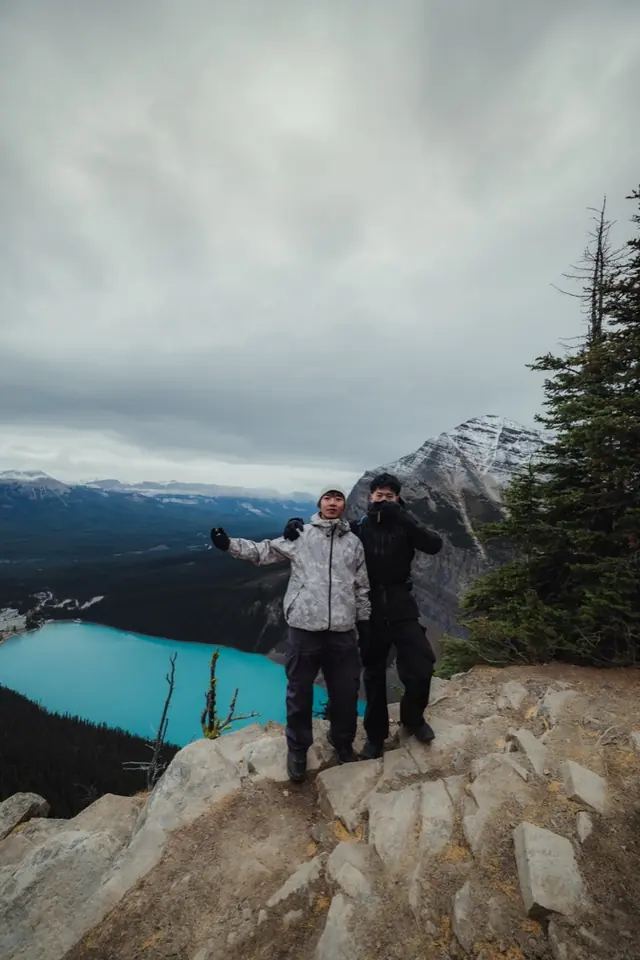 04
04
01Before the world wakes
02The climb
03This is why we came
04Worth the alarm
FREE TABLE / POSITION MEANS NOTHING
Alternative reveal
Monday.
Library.
Again.
Lines with clips 4 of 5
The margin
Your work in ink. A note in grey.
Arranger speaks at the right edge. A mark becomes a note when you need it. Keep it or drop it; your work stays yours. One note per row, at most one nudge a day.
✓ or ⇧↵ keeps✕ dropsSpace · full picture
Instead of interruptions and extra panels
Explore in Studio →Page / your work, with a marginSAMPLE
HOOK / YOUR WORDS
I said I’d study.
Silent → a mark → a note → the full picture on Space
Check before send / story string-out
Hand off the story. Leave the edit.
Check the runtime, gaps, recording slots and offline drives. Then choose Shorts, Final Cut Pro, Premiere Pro, DaVinci Resolve, CapCut or your editor. Send compiles your Page into an assembly. Your editor brings the craft.
Checks firstBins + markers + handlesBrief + SRTFree to re-send
Instead of rebuilding your story in the editor
Explore in Studio →Send / Check before sendSAMPLE
Where does it go next?
CHECK BEFORE SEND / SAMPLE
Runtime against target0:26 / 1:00 ✓
Beats with no clip1 · Monday at the desk
Clips with no line0 ✓
Slots still to record1 · opening talk
Offline drivesT7 · reconnect
Shorts / 9:16 string-out + SRT
Your selected clips and takes, in Page order, with handles.
STORY STRING-OUT / PAGE ORDER · VERSION A
▱ 01 Hook▱ 02 Why I left▱ 03 The gate▱ 04 Lake Agnes
Markers▾ Hook▾ Why I left▾ The gate▾ Lake Agnes
V2TALK · 0:02VO · 0:06 · to record
V1Before the world wakesThe climbThis is why we cameWorth the alarm
Before the world wakesThe climbThis is why we cameWorth the alarmA1Clip audioClip audioClip audioClip audio
A2Empty · music is your editor’s call
Send is a compiler, with no AI. Re-sending takes seconds and is free.
Posted
Drop the link. Close the loop.
Finished becomes Posted when you drop the video link on the project. Put the numbers beside your chapters and lines. The margin carries what worked into the next idea.
Day 1 + day 7Manual or YouTube CSVRetention on your lines
Instead of disconnected spreadsheets and guesswork
Explore in Studio →Project / Every semester, same lieSAMPLE
RETENTION / ON YOUR CHAPTERS AND LINES · SAMPLE
ON THE PAGE / LINE 3
And that is when I check the forecast again.
Results live inside this project and in the margin.
Mac + iPhone + Web
Keep the story moving.
On the trail. At your desk. Between things.
Pick up the same thread.
IPHONE / VOICE KEEP
Say it before it goes.
Keep a thought by voice. Find it in your Pool.
IPHONE / ON SET
Bring the shot list.
See what you still need. Tick it off as you shoot.
- ✓ Trailhead, first light
- ✓ The climb, wide
- ○ One last look back
Synced in seconds.
Text, decisions and moments stay together. Originals stay on your drives. Clips can go directly Mac ↔ iPhone.
See what syncs →Your week
SAMPLE / THIS WEEKKeep a thought for laterKeep ↗
Ideas kept
7 4 last week
Ready for your next story.
Projects in progress
2
Next: A morning worth the alarm
Best result vs your usual
2.3×
Works · 6 posts · Sample
Moments used
14
this week · Sample
Recent
Lake Agnes at sunriseIdea · Open on Mac
⌥Space
Catch the thought.
Keep from anywhere on Mac.
⌘K
Find the thread.
Type anything: keep, ask, open.

MAC ↔ IPHONE
Direct clip transfer.
Send clips between your devices. Keep them out of account sync.
Watched folders
Bring new clips into your Pool.
Offline drives
Keep thumbnails and transcripts in reach.
Undo anything
Try a direction. Step back freely.
Relink by fingerprint
Reconnect a file when its path changes.
Consent switches
Choose each use of your data.
Export packages
Carry the story string-out to your editor.
Direct clip transfer
Send clips Mac ↔ iPhone.
Search by meaning
Find the moment you remember.
Stay in control
Your story. Your say.
Every suggestion waits for you
Undo anything
Your files never move
YOUR PAGE / YOUR WORDS
The lake opens up.
Media and embeddings never sync. Thumbnails sync only if you opt in. Each data use has its own consent switch.
See how your devices connect →A few things to know
Before your next cut.
Where does my footage go?
It stays on your drives. Arranger connects moments to your script without moving the originals. Media and embeddings never sync. You can send clips directly between Mac and iPhone.
Does it work offline?
Work with local footage on Mac offline. When a drive is disconnected, its thumbnails and transcripts stay available. Reconnect the drive to play or export the original clips. Account and sync features need a connection.
Which editors can I use?
Send a story string-out to Final Cut Pro, Premiere Pro or DaVinci Resolve, a 9:16 string-out plus SRT for Shorts, or a folder pack for CapCut or your editor. Check runtime, missing clips, recording slots and offline drives first. Re-sending is free.
What does it cost?
Planned pricing is about $12–15 a month. The final price and tiers are still being decided. Nothing is on sale here yet.
What about iPhone?
The iPhone companion is planned for launch: Keep by voice, Action button, widget or share sheet, a shot list from your beats, Pool browse and the margin’s notes. The Mac alpha comes first.
What syncs?
Text, decisions and moments sync across your account. Thumbnails sync only if you opt in. Media and embeddings never sync. Each data use has its own consent switch.
The next cut starts here.
Start with an idea.
Hand off the story.
Download for Mac ↗Mac and iPhone. Your footage stays on your drives.
Step inside the studio →